
The correct way to apply a phone screen protector at a retail or service counter is to prepare a clean work zone, verify the exact model, test alignment before exposing the adhesive, and lower the glass in one controlled motion. For the Borderless Privacy Screen Protector, staff should also check straight-on clarity, side-view privacy, edge alignment, and bubble evacuation before returning the device.
Is the Installation Counter Ready?
A counter is ready when staff can complete the application without moving the phone between crowded areas or handling unrelated products. Buyers planning a store rollout should assess the installation environment as carefully as the protector itself.
- Reserve a stable, flat area: The phone and protector should remain supported throughout cleaning, alignment, and inspection.
- Control dust and interruptions: Staff should avoid applying protectors beside unpacking, cutting, or other activities that may disturb particles.
- Provide clear inspection lighting: The installer needs to see dust, edge position, and trapped air before completing the job.
- Standardize model verification: The correct protector should be matched to the phone before the adhesive liner is removed.
If these conditions cannot be maintained during busy periods, the retailer may need a temporary dedicated installation zone rather than using the general sales counter.
Prepare the Operating Conditions Before Application
Begin by checking that the phone model and protector configuration match. Then place the device on the prepared surface, clean the display using the retailer’s approved process, and inspect it from more than one angle. Any visible particle should be addressed before the protector is lowered.
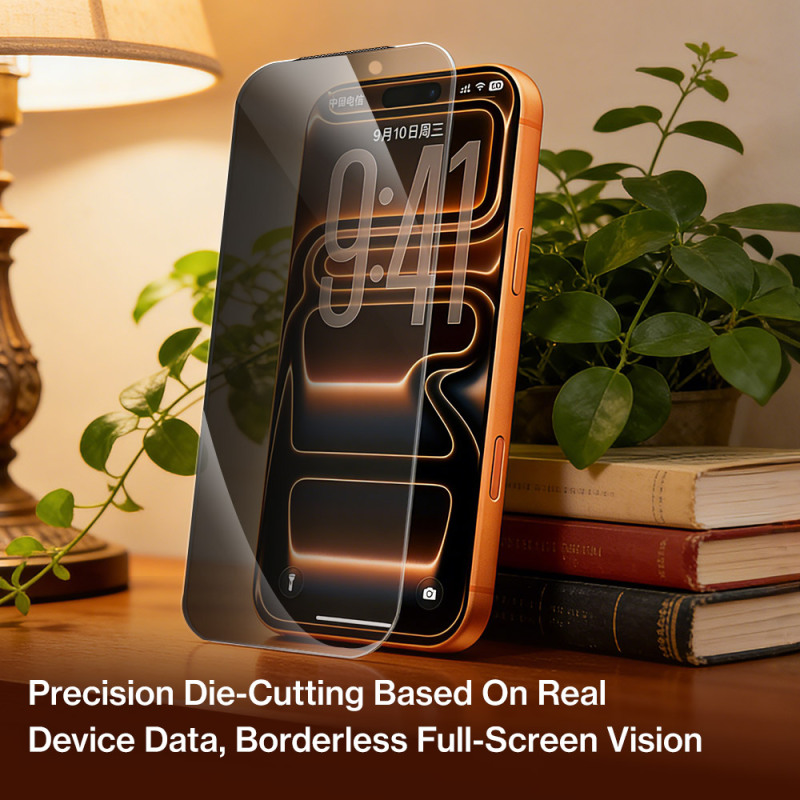
The Borderless Privacy Screen Protector uses a transparent borderless structure intended to avoid the heavy appearance of a conventional black frame. That design makes careful centering important: staff should confirm the relationship between the glass, display area, speaker position, and outer screen shape while the release liner is still attached.
Only handle the protector by its edges. Once the adhesive surface is exposed, unnecessary repositioning should be avoided because repeated handling can introduce contamination or make consistent alignment harder.
Use a Repeatable Staff Application Workflow
- Identify: Confirm the phone model and inspect the protector for visible damage or contamination.
- Dry-align: Position the glass above the display without exposing the adhesive, using fixed screen features as alignment references.
- Clean and recheck: Complete the approved screen-cleaning procedure and inspect the full display under clear lighting.
- Lower evenly: Remove the liner without touching the adhesive, maintain alignment, and place the protector in a controlled motion.
- Allow evacuation: The approved configuration is designed for air to discharge toward the edge in one pass. Staff should observe this behavior before applying additional pressure.
- Inspect: Check the perimeter, display area, touch response, and privacy effect before the device leaves the counter.
Training should emphasize sequence rather than speed. A short, consistent workflow can reduce variation between employees and make installation outcomes easier for supervisors to review.
Run Rollout Checks for Borderless Privacy Glass
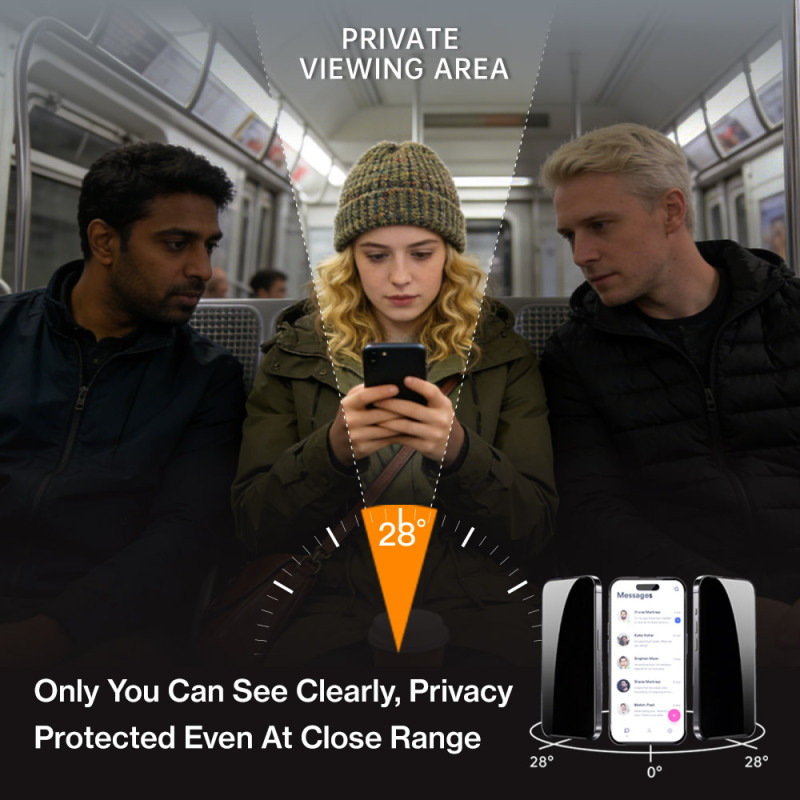
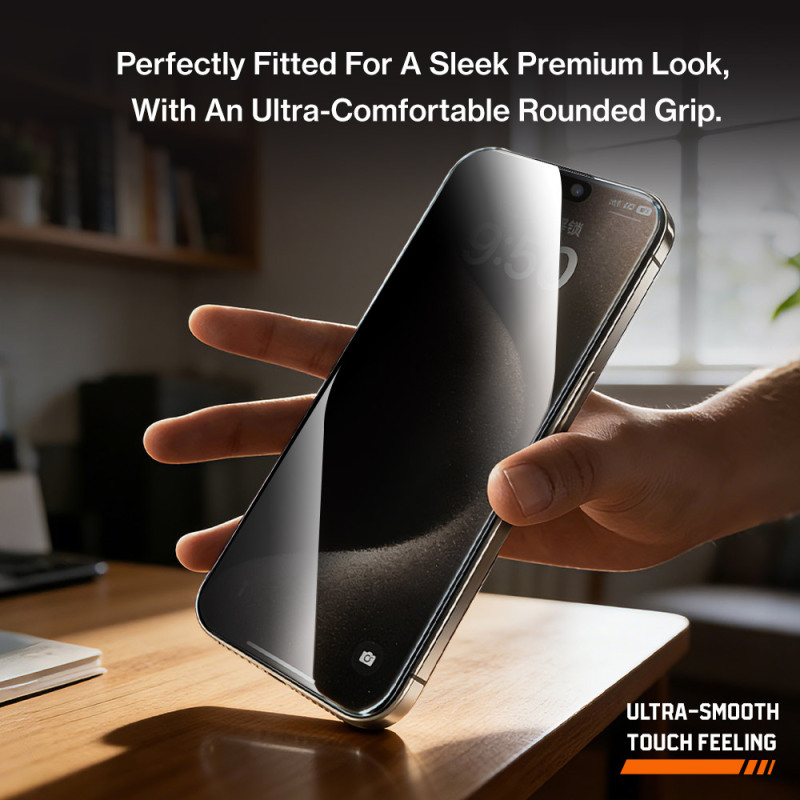
This protector combines a micro-louver privacy layer with a transparent borderless design. It is intended to keep the screen clear when viewed from the front while obscuring content from the side. The approved product configuration also includes 28° privacy anti-static AB adhesive, a smooth curved edge, and a fingerprint-resistant surface treatment.
Before deploying it across multiple stores, buyers should test representative phone models and define an acceptance checklist. That checklist can cover centered placement, complete edge contact, absence of visible trapped particles, normal touch operation, and the expected difference between direct and side viewing.
A pilot installation by each staff member may also reveal whether counter layout, lighting, or model identification needs adjustment. Any model-specific fit question should be resolved before inventory is distributed broadly.
Common Questions
Can staff apply the protector on a crowded checkout counter?
They can, but buyers should avoid that setup when the surface cannot remain clean, stable, and uninterrupted. A dedicated or temporarily cleared area may produce a more repeatable workflow.
Should installers press out bubbles immediately?
Staff should first allow the adhesive’s intended edge-evacuation behavior to occur. Any remaining area should be inspected for alignment or particles before repeated pressure is applied.
How should staff verify the privacy effect?
Inspect the installed protector directly in front of the screen and then from the side. The result should be evaluated against an approved sample and the retailer’s acceptance standard.
Conclusion
The Borderless Privacy Screen Protector is rollout-ready when the retailer can provide a controlled counter area, accurate model matching, a trained installation sequence, and a documented final inspection. Buyers should validate these conditions with a limited store or staff pilot before wider deployment.
About Mietubl
Mietubl is a Guangzhou-based mobile accessories brand whose name reflects its guiding idea: Make It Easier To Use, Better Life. With roots in the mobile accessories industry dating to 1998 and the MIETUBL brand registered in 2010, the company focuses on products that make everyday digital use simpler and more practical.
Its portfolio includes screen protectors, intelligent screen protector cutting machines, film materials, data cables, chargers, power banks, and audio accessories. By combining design, product development, manufacturing, and channel support, Mietubl works with distributors and retailers serving a broad range of mobile accessory needs, with products exported to more than 120 countries and regions.
For product information, samples, or distribution opportunities, contact Marketing@mietubl.com or visit www.mietubl.com.
Was this article helpful?
Your feedback helps us improve future articles.