
Your counter is ready for the MTB-CUT 180TPro if it can safely accommodate a 710 × 300 × 320 mm machine weighing 8.8 kg, provide compatible electrical power, and leave enough working room for loading and receiving long screen protector material. Before rollout, buyers should also confirm Android connectivity, staff responsibilities, and a standard test-cut process.
Check Counter Space Before Installation
The MTB-CUT 180TPro is an extended screen protector cutting machine rather than a compact countertop accessory. Its physical size makes placement the first deployment decision, especially for stores with narrow service counters or several devices sharing the same workspace.
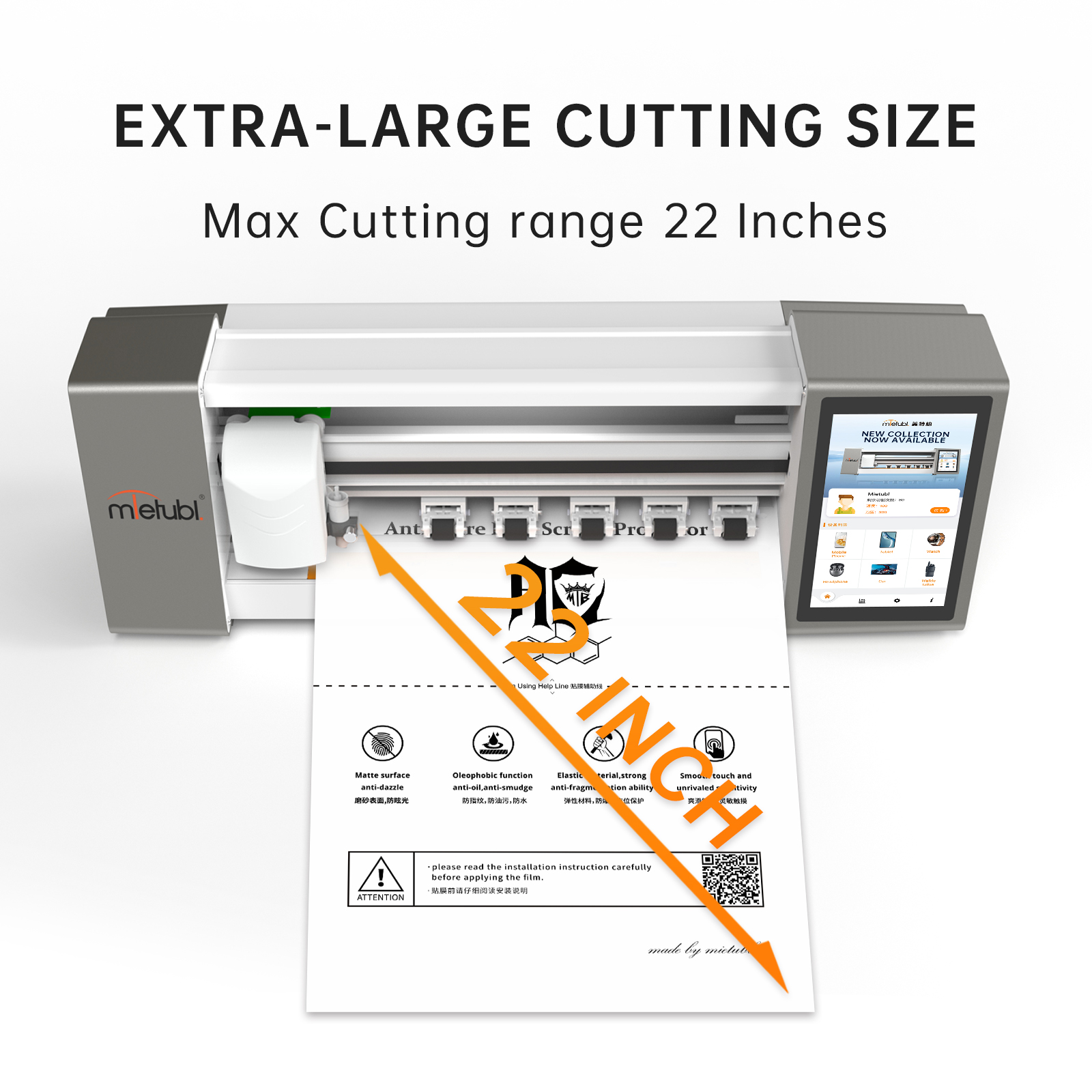
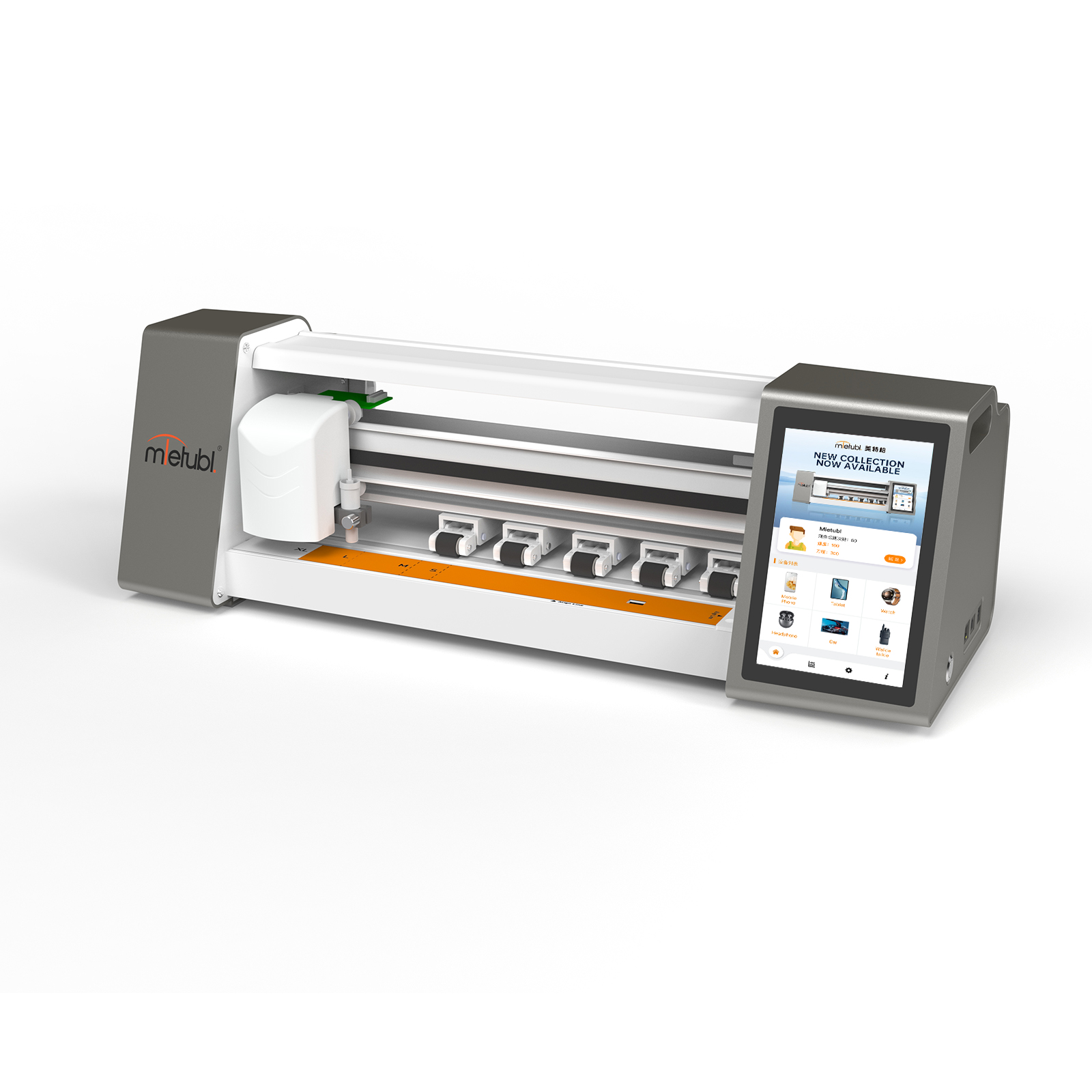
Do not evaluate the 710 mm machine length as the complete space requirement. The operating area should also allow staff to load material without obstruction and keep the output path clear during long cuts. A stable surface is advisable for the 8.8 kg machine, while cables should be routed away from customer-facing areas and routine fitting work.
Key readiness criteria include:
- A stable counter that accommodates the machine and material path.
- Clear access to the 7-inch color touchscreen.
- A nearby power connection compatible with the specified input.
- Defined storage for film sheets, tools, and completed cuts.
- Enough separation from wet, dusty, or congested service tasks.
Confirm Power and Operating Setup
The specified electrical input is 100–240V, 1.5A, 50–60Hz, with 24V/2A output and 60W power. This broad input range can support deployment across different markets, but buyers should still confirm the supplied plug, local socket format, cable routing, and any site-specific electrical requirements before installation.
Position the machine so staff can see the display without leaning across the cutting path. The surrounding area should remain orderly and accessible for cleaning and routine checks. The approved data does not specify temperature or humidity limits, so distributors planning deployment in unusually hot, cold, humid, or dusty locations should confirm acceptable operating conditions before rollout.
Build a Repeatable Staff Cutting Workflow
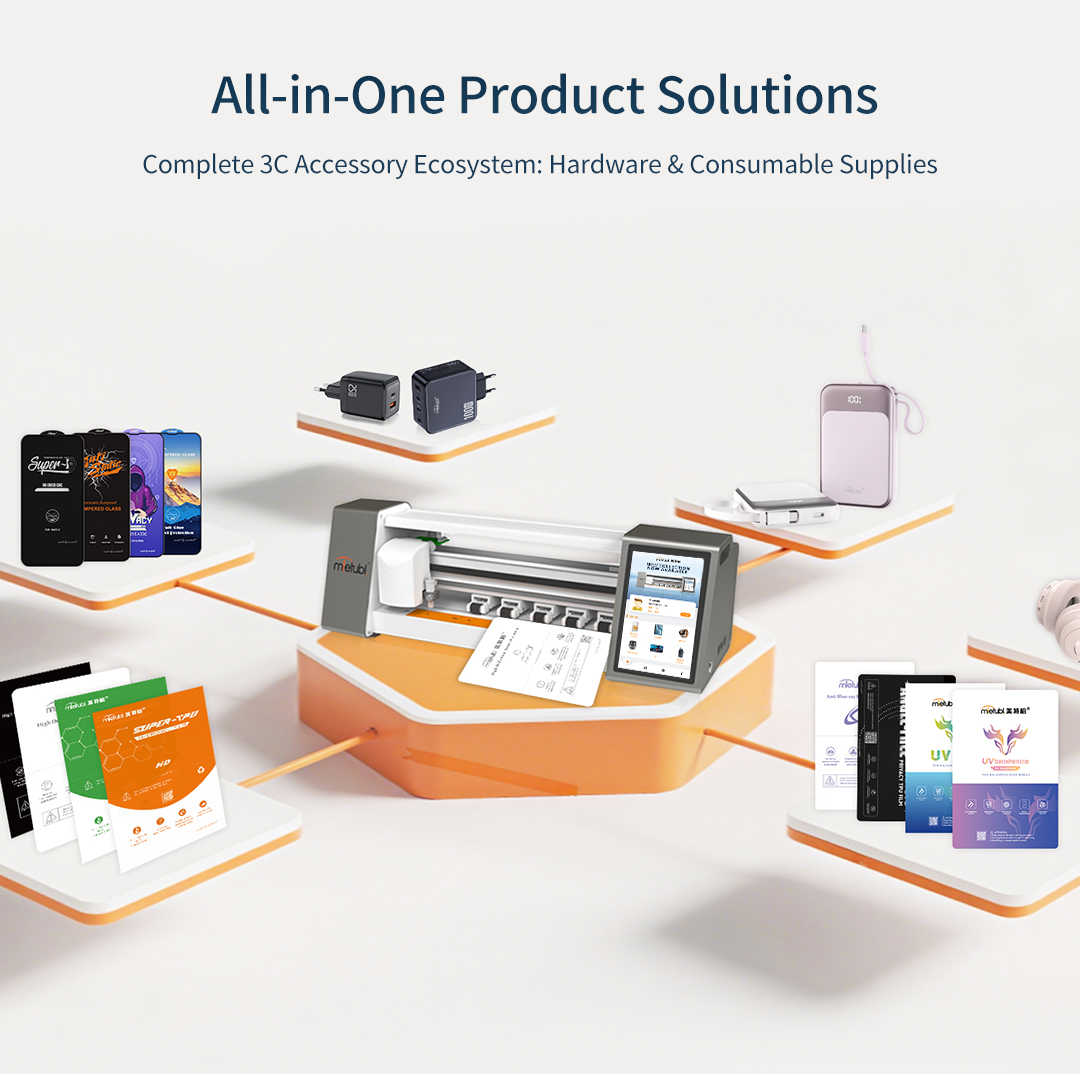
A practical mobile screen protector cutting machine tutorial should begin with process control rather than button-by-button memorization. For the MTB-CUT 180TPro, staff can work through the color touchscreen or use the supported Android app to search for a device model and send a cutting instruction.
- Prepare the workstation: Check that the machine is powered correctly and that the loading and output paths are clear.
- Identify the device: Confirm the exact phone, tablet, laptop, or display model before selecting a template.
- Prepare the material: Use a suitable screen protector material and place it according to the machine’s loading guidance.
- Select and verify: Review the chosen model before sending the cutting command through the touchscreen or Android workflow.
- Inspect the result: Confirm the cut shape and alignment before applying the protector or serving the customer.
Exact material settings, blade adjustments, and menu sequences should follow the operating documentation supplied with the machine. Staff should not assume that one setup is appropriate for every film type.
Match the Cutting Range to Your Service Mix
The MTB-CUT 180TPro supports a maximum cutting width of 288 mm and screen protector sizes up to 22 inches. This range may suit businesses that want to extend on-demand cutting beyond phones to tablets, laptops, and monitors.
However, a wider service range also changes counter workflow. Large-format material requires more handling space and careful model verification. Buyers should review their expected device mix and material sizes before deciding where the machine will operate. If most transactions involve phones, the extended capability may support future expansion; if larger devices are central to the offer, clear loading space becomes a deployment requirement rather than a convenience.
Run Rollout Checks Before Customer Use
Before placing the machine into live service, each location should complete a short acceptance routine. Confirm that the unit is stable, the display is accessible, Android connectivity works where required, and staff can locate the correct model template. Then perform sample cuts using the materials planned for that location.
For multi-store deployment, use the same checklist at every site and record any differences in counter layout, power access, app configuration, and staff training. The cloud system is designed to synchronize new-model data across more than 130 countries and cover over 50,000 device models, but teams should still verify the selected template against the customer’s actual device before cutting.
Common Questions
How much counter space should buyers reserve?
Start with the 710 × 300 mm machine footprint, then add unobstructed room for material loading, output, touchscreen access, and normal staff movement.
Can staff operate it from a phone?
The machine supports an Android app for model searches and sending cutting instructions. Buyers should confirm device compatibility and complete a connection test during installation.
Should every employee be trained before launch?
At least the staff responsible for model selection, material loading, cutting, and result inspection should complete supervised test cuts before serving customers.
Conclusion
The MTB-CUT 180TPro is a practical deployment choice when a business has sufficient counter depth and length, an appropriate electrical setup, and a controlled operating workflow. Buyers should approve the location only after testing connectivity, material handling, model selection, and staff execution under the conditions expected in daily service.
About Mietubl
Mietubl is a Guangzhou-based mobile accessories brand whose name reflects its guiding idea: Make It Easier To Use, Better Life. With roots in the mobile accessories industry dating to 1998 and the MIETUBL brand registered in 2010, the company focuses on products that make everyday digital use simpler and more practical.
Its portfolio includes screen protectors, intelligent screen protector cutting machines, film materials, data cables, chargers, power banks, and audio accessories. By combining design, product development, manufacturing, and channel support, Mietubl works with distributors and retailers serving a broad range of mobile accessory needs, with products exported to more than 120 countries and regions.
For product information, samples, or distribution opportunities, contact Marketing@mietubl.com or visit www.mietubl.com.
Was this article helpful?
Your feedback helps us improve future articles.