
Yes—the MTB-CUT 180T can fit an on-demand screen-protector workflow when the service counter has compatible power, stable 2.4G Wi-Fi, sufficient loading clearance, and a defined operator process. Buyers should not treat the listed package dimensions as the installed footprint. Confirm the machine’s operating dimensions, required clearances, and local setup instructions before planning a single-store installation or wider rollout.
Is the Service Counter Ready for Installation?
The available data lists a package size of 600 × 295 × 310 mm and a weight of 7.8 kg. Because these figures do not establish the machine’s exact operating footprint, measure the intended counter and confirm the installed dimensions before ordering fixtures or cutting openings.
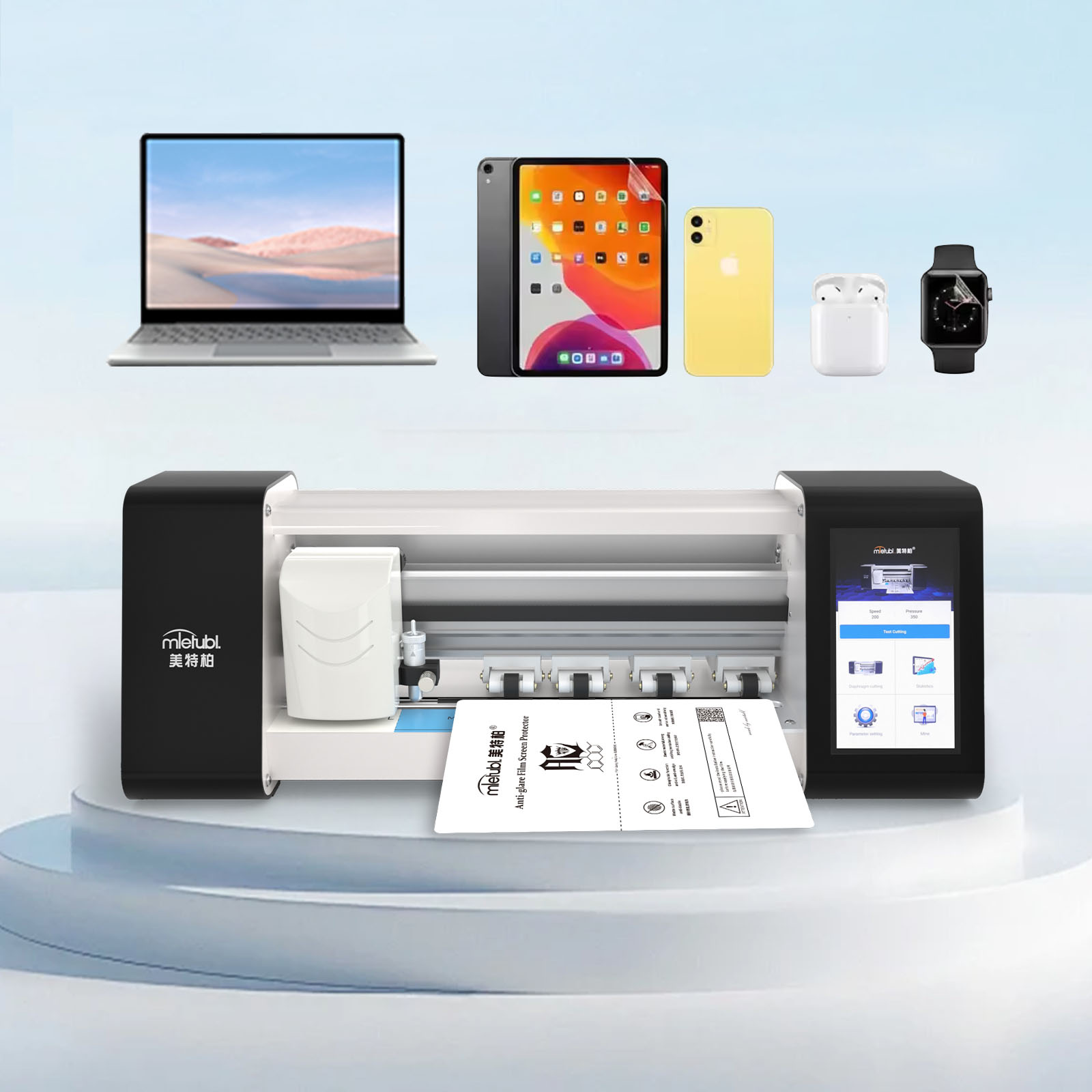
The workstation should allow operators to load film up to the machine’s 320 mm maximum feed width without interfering with display stands, checkout equipment, or customer space. Additional front and rear clearance may be necessary for handling material, so buyers should validate the intended counter arrangement with an actual setup test.
Deployment takeaways:
- Confirm installed dimensions instead of planning around package measurements.
- Provide unobstructed space for loading, cutting, and removing film.
- Place the cutter where staff can reach power and network connections easily.
- Keep film stock near the workstation without blocking the service area.
- Test the complete counter workflow before duplicating it across stores.
Check Power, Network, and Operating Constraints
The supplied adapter accepts 100–240V at 50/60Hz and outputs 24V/2A, while maximum listed power is 48VA. Buyers should still confirm plug type, local electrical requirements, and whether the counter has a dedicated, accessible outlet.
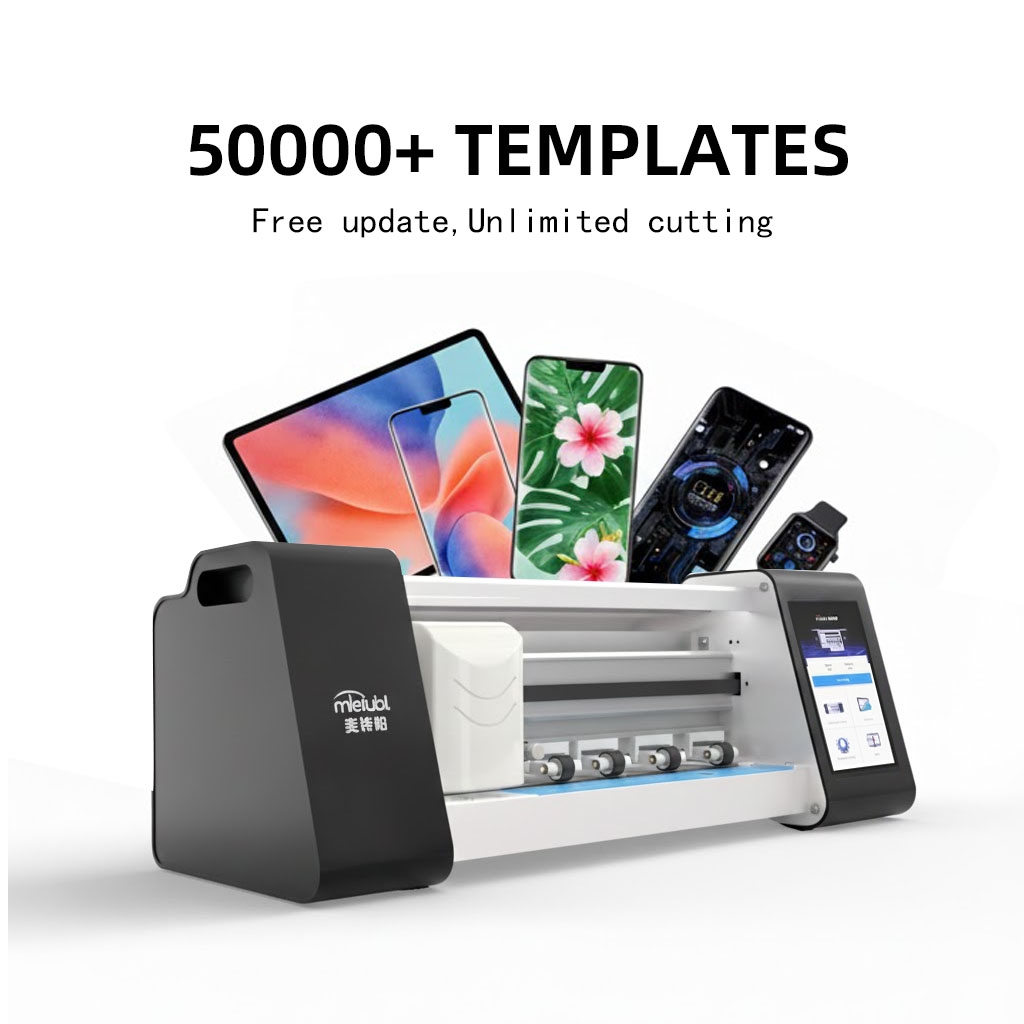
The machine connects through 2.4G Wi-Fi. Network readiness matters because the dedicated cloud system supports model data for more than 50,000 devices and synchronizes new-model information across more than 130 countries. Before launch, test Wi-Fi strength at the exact service position rather than relying on coverage elsewhere in the store.
No approved operating temperature or humidity range is provided for this model. Sites with unusual heat, moisture, dust, or unstable power should confirm acceptable conditions before deployment.
Build a Repeatable Staff Cutting Workflow
A practical operator flow is to power and connect the machine, locate the required device model, load a compatible film, review the selected settings, start the cut, and remove the finished piece for application. The 5.5-inch display supports direct interaction, while cutting pressure and speed are digitally adjustable from 1–999 and 1–500 respectively.
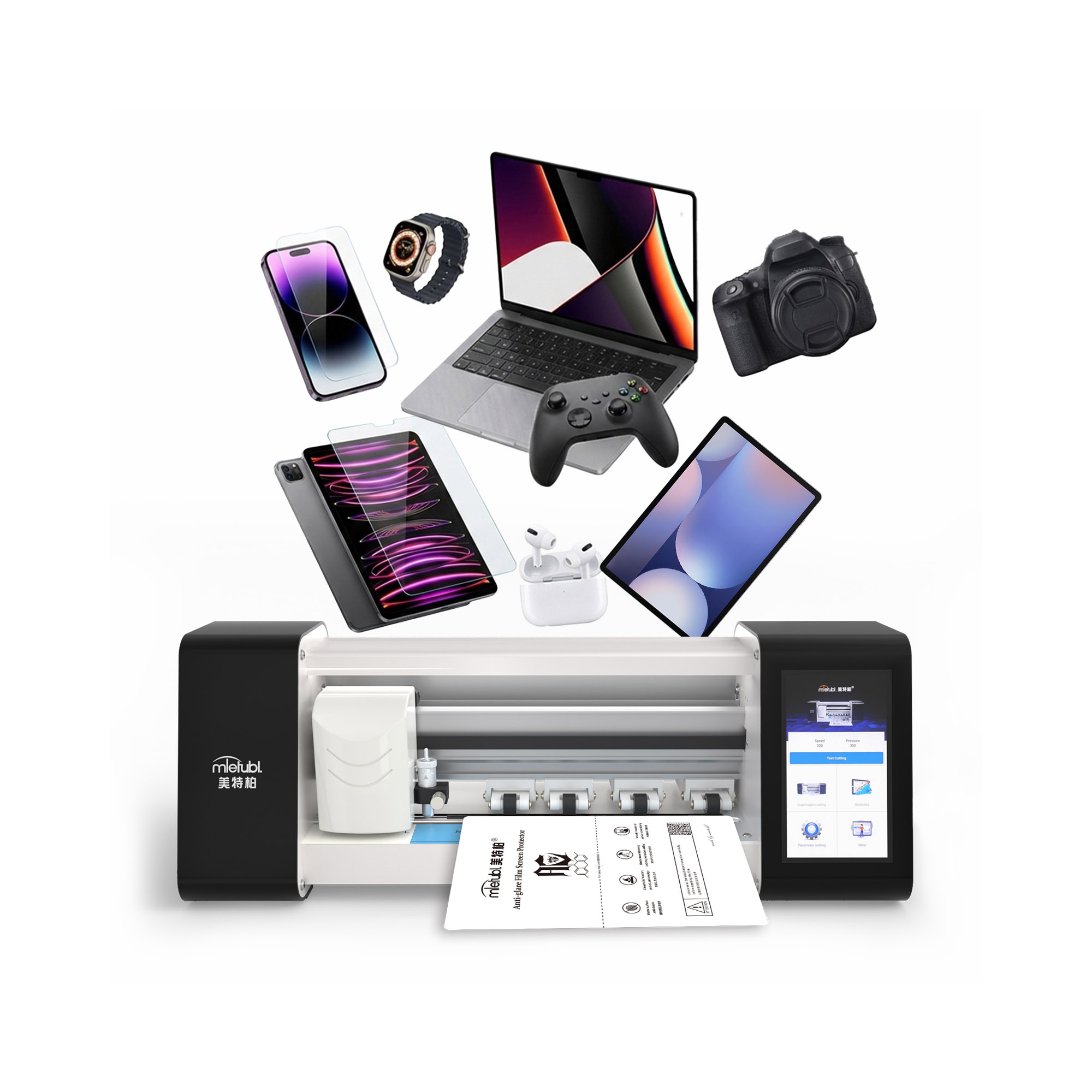
Those ranges should not be treated as universal settings for every material. The machine supports TPU, PET, clear, matte, and privacy films, but each material may require a validated setup. Managers should create approved presets or written instructions for the films stocked in each location.
The stated cutting time is approximately 20 seconds, which can suit immediate in-store service. Total customer handling time will also depend on model selection, material loading, screen preparation, and film application, so staff training should cover the complete transaction rather than the cutting cycle alone.
Run Rollout Checks Before Multi-Store Deployment
Start with a controlled pilot using the same counter type, Wi-Fi configuration, film inventory, and staff roles planned for the wider rollout. Check whether operators can find models consistently, load film without obstruction, and complete cuts without disrupting checkout or repair activities.
- Confirm counter fit, loading clearance, outlet position, and 2.4G Wi-Fi signal.
- Test every film type intended for sale and document approved settings.
- Train staff to verify the device model before sending a cut command.
- Record material waste, recuts, and total customer service time during the pilot.
- Confirm support procedures and warranty handling before distributing machines.
The product is supplied with a one-year warranty and does not require points or cutting-count fees. Buyers should confirm the applicable warranty process, software access terms, training materials, and replacement-part arrangements for their market.
Common Questions
Does the MTB-CUT 180T require an internet connection?
It supports 2.4G Wi-Fi and a cloud-based model system. Buyers should confirm whether any required workflows remain available during a network interruption.
Can one operator cut films for different device categories?
The supported film patterns include phones, tablets, watches, and cameras. Actual coverage should be checked against the device mix and film sizes sold at each location.
Is the machine ready to use with every supported film material?
It supports several materials, but pressure and speed may need validation. Test each stocked film and give operators approved settings before customer-facing use.
Conclusion
The MTB-CUT 180T is a practical candidate for retailers seeking on-demand film cutting, provided deployment begins with counter-fit verification, reliable power and Wi-Fi, material-specific testing, and a documented staff workflow. A pilot installation is the safest way to confirm readiness before a broader store rollout.
About Mietubl
Mietubl is a Guangzhou-based mobile accessories brand whose name reflects its guiding idea: Make It Easier To Use, Better Life. With roots in the mobile accessories industry dating to 1998 and the MIETUBL brand registered in 2010, the company focuses on products that make everyday digital use simpler and more practical.
Its portfolio includes screen protectors, intelligent screen protector cutting machines, film materials, data cables, chargers, power banks, and audio accessories. By combining design, product development, manufacturing, and channel support, Mietubl works with distributors and retailers serving a broad range of mobile accessory needs, with products exported to more than 120 countries and regions.
For product information, samples, or distribution opportunities, contact Marketing@mietubl.com or visit www.mietubl.com.
Was this article helpful?
Your feedback helps us improve future articles.